

Order Status and Line Status: Design for Partial Fulfillment
A partial shipment needs two levels of information. The summary shows that fulfillment is under way, while each line shows the goods and quantities shipped or still waiting.

A partial shipment needs two levels of information. The summary shows that fulfillment is under way, while each line shows the goods and quantities shipped or still waiting. Keep payment status separate too, so a paid label does not imply that all goods have been handed over.
Separate questions that are often combined
Staff may ask whether the order is active, whether payment came through, and which items have left the warehouse. These answers can change at different times. An order can be paid in full while one item is still waiting to ship. If an application keeps a single status, the team has to decide which information disappears when that label changes.
Shopify distinguishes order, payment, fulfillment and return statuses. Its API also has a category for partial fulfillment. These are examples of dividing the questions in a way a business can adapt to its own process. Define your terms around how the team confirms shipments and handles returns. Shopify order status guide · Fulfillment status reference
Identify the reader for each label. Warehouse staff need quantities to prepare. Support staff need to explain which items are waiting. Owners may want to see orders still open. They can use the same data when the summary is backed by details they can revisit.
Show the detail behind the summary
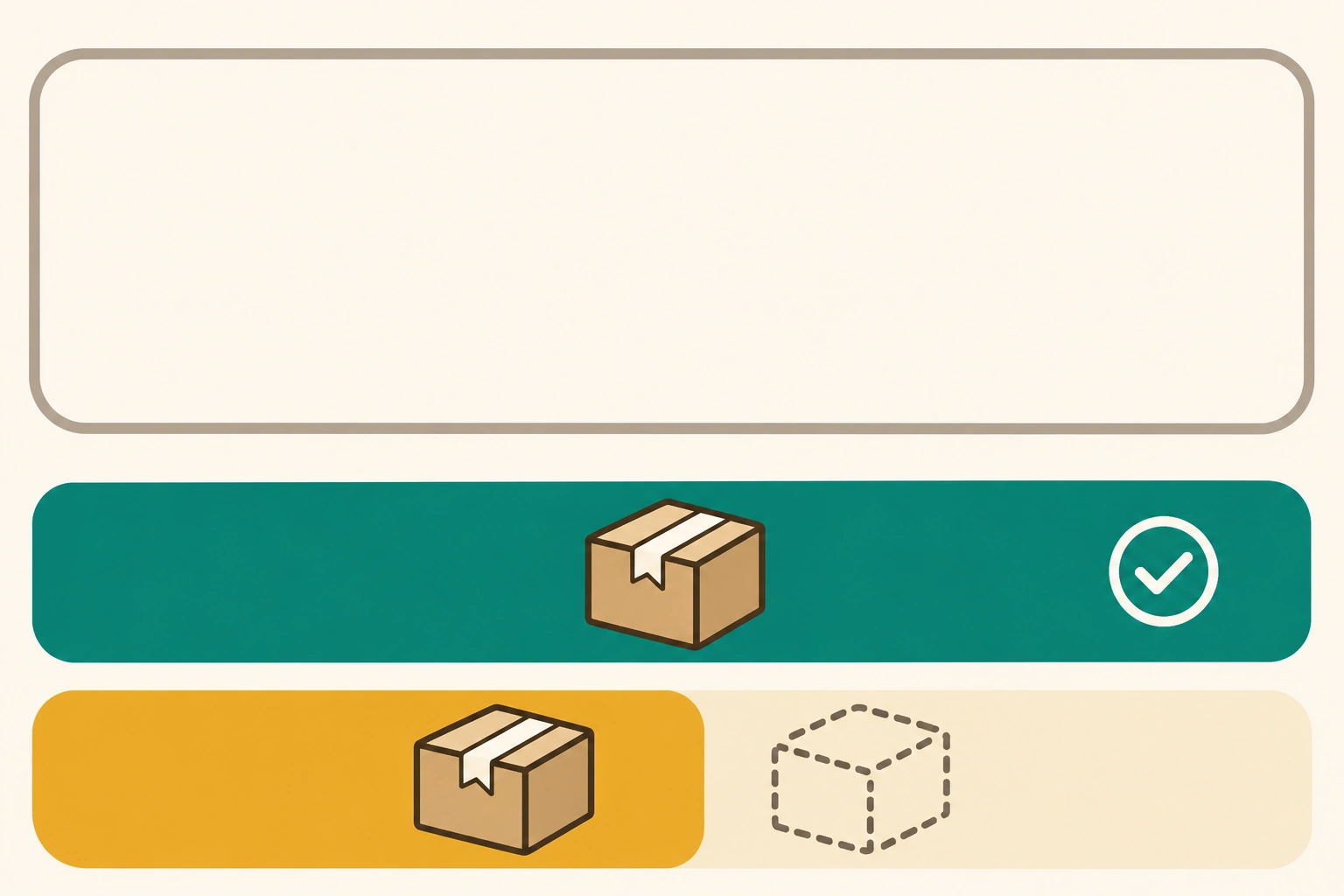
Take an order with two lines. Line A has two units and both shipped. Line B has three units and one went with the first shipment. The summary can say “partially shipped.” The details show A at two of two and B at one of three. The last two units of B still need action.
Display the unit on the line. A green mark for A may help scanning, while the number and text remain necessary. If products use different pack sizes, “2 shipped” without a unit makes it unclear whether the count refers to packs or cartons. Bring the units from the order into the detail view.
Each shipment can have its own timestamp and list of lines and quantities. If two shipments have different tracking numbers, attach each number to its shipment. One tracking number at total-order level will not explain two packages dispatched on different days.
Write down when the summary changes
Agree on the event behind “shipped.” The team might use carrier handover or warehouse confirmation according to its operating procedure. Apply the label after the agreed event. Creating a shipping label alone may leave the shipped quantity unchanged. Record the time and reference so staff can trace the number.
If the remaining two units of B ship, that line becomes three of three. If all active commitments are fulfilled, the summary can become fully shipped. If the customer agrees to cancel one unshipped unit, keep the cancellation and its source. The calculation should identify the outstanding commitment while preserving the original order quantity.
Keep returns distinct from the original shipment. Goods that left the warehouse continue to have a dispatch history after they come back. The summary may show that a return exists while retaining its separate quantity and decision. A staff member speaking to a customer needs to see those events in an intelligible sequence.
Test a second shipment and a cancellation on the same case
Start with the two example lines and a defined payment status. Add the first shipment, read the summary and count what remains. Simulate the second shipment and check the total. Run the example again with a partial cancellation before the second shipment. Match each new label with the action that has actually happened.
Consider a shipment event received twice. One shipment reference should not add the quantities again. The totals in the interface need a traceable set of events behind them. If a correction is made, show the adjustment and reason so staff are not left to infer what happened from the final count.
Use the guide to draft and final records to decide when order details become an agreed record. Once the order is approved, the fulfillment stages still need to describe what happened to each promised quantity.
Bring an example that tells staff what to do next
Prepare an order with two lines, two shipment stages and an example cancellation for a discussion with Creatyf. Ask a staff member to point to the information that says two units of B are waiting. The answer shows whether the summary, details and history jointly give them what they need.
Before using the design, try an order with two lines that share an SKU and have different shipping dates. A printed summary should let the customer see which line moved today without guessing from the overall quantity. Ask a different operator to answer from the page without help from the developer.
Official sources
Build
Continue with related guides.

Preparing a Business Website Project
A practical guide to aligning goals, users, content, ownership, scope, and operational readiness before a business website project begins.

Websites, Web Apps, or Mobile Apps
A decision framework for choosing a website, web app, or mobile app based on user tasks, device capabilities, data, distribution, and operating cost.

From Business Goal to an Actionable Digital Brief
How to connect a business problem, user needs, scope, constraints, evidence, and project decisions in one actionable brief.