

Preventing Duplicate Records When Save Is Pressed Again
Design one business action with request identity, clear waiting feedback, a checkable result, and realistic retry scenarios.

A user presses Save, waits, and presses it again because no result appeared. In a business application, this small event can produce two requests for the same intention. The operations team then has to determine whether the resulting records are duplicates or two legitimate jobs.
Discuss this while planning the web app workflow. Temporarily disabling a button helps the user experience, but the processing system also needs to recognise a single action. Define the behaviour using a clear business example before choosing an implementation technique.
Define what counts as one action
Start with operational language. “Create one purchase request” differs from “add one item line.” Two clicks can carry identical data without that similarity alone proving the user intended only one action.
In a fictional example, an operator creates PR-017 for one requirement. If the connection drops after the server saves it, retrying should help recover PR-017 rather than automatically create PR-018. A deliberately separate request for another requirement still needs its own identity.
Record the action owner, object created, completion condition, and the point at which a user may begin another action. These details distinguish retries from new work without applying a rule so broadly that it rejects legitimate requests.
Understand methods and request identities
MDN describes idempotence in terms of the intended server effect remaining the same when an identical request is repeated. POST does not automatically provide this property. Application behaviour must still be designed around the action being performed.
An attempt identity can connect the first submission with its retries. Stripe’s documentation provides an example using idempotency keys; retention and expiry belong to that service’s contract. Your application needs a contract suited to its own workflow.
Discuss the identity’s scope: one user, one organisation, or a particular transaction? What happens if the same identity arrives with different data? Avoid using names or personal details as identifiers copied across systems merely because they are easy to remember.
Make the action status clear
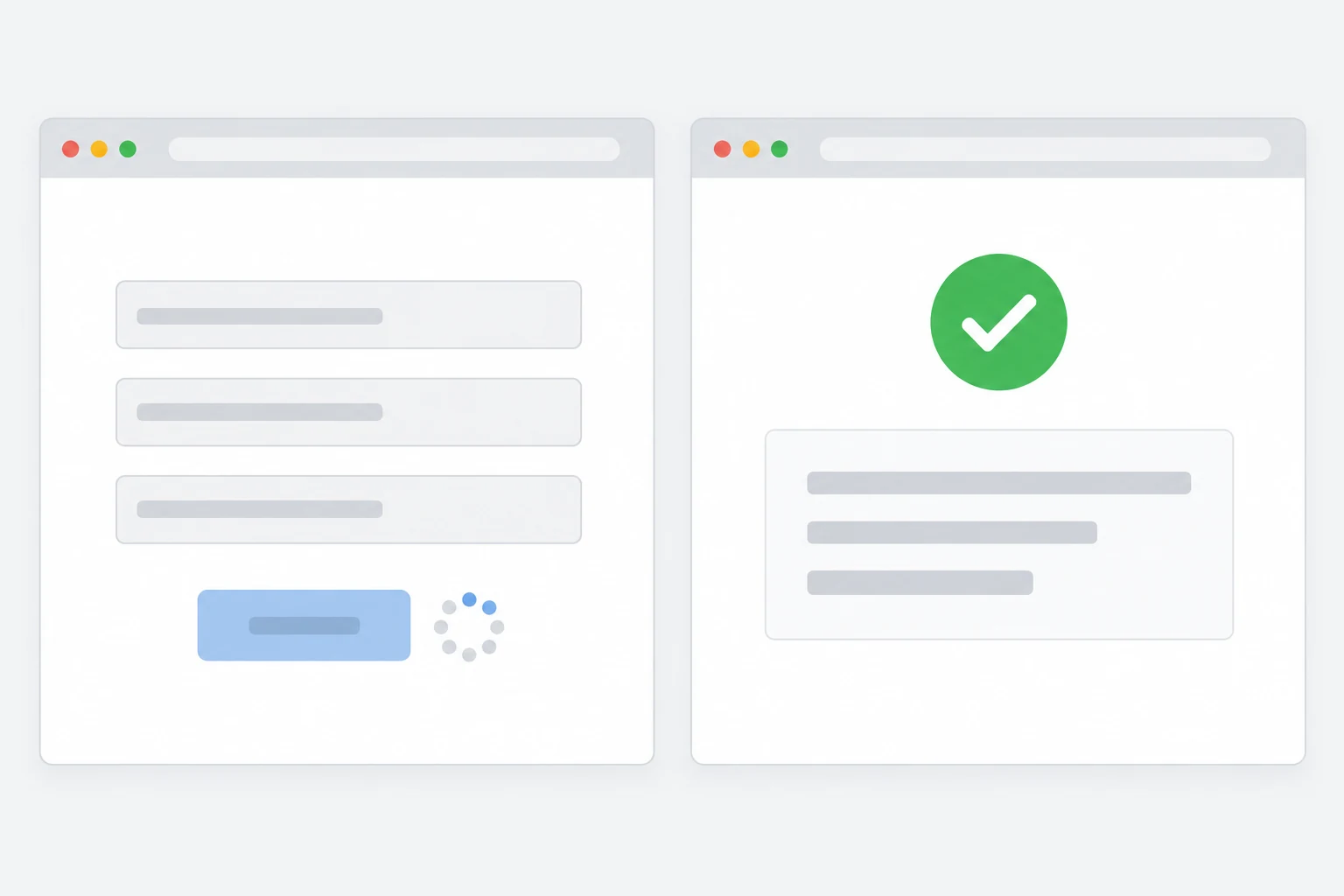
After submission, indicate that processing is underway. Users need to understand whether the system is waiting, has saved the record, or cannot yet confirm the outcome. Using the same message for all three situations can encourage unnecessary repetition.
On success, show the result identity or a route to open it. “Saved: PR-017” provides a traceable reference. If the connection fails, consider a status-checking route before asking the user to create another request.
The status should make sense without relying only on colour changes. Use a short message describing what happened and the next step. For a lengthy action, explain when the user can leave the page according to capabilities the application actually supports.
Separate the main result from follow-up work
Creating a record may trigger a notification or file generation. Decide how each job connects to the main action. One correctly created record can still confuse people if notifications are sent repeatedly without explanation.
Suppose PR-017 was created successfully but notifying its reviewer has not finished. That differs from failing to create PR-017. Decide whether the notification is retried, who can see its status, and how its outcome is checked.
Do not label the whole action failed when the main record already exists. Equally, do not assume every follow-up job is complete because the record was saved. Separate statuses help operators identify the particular part requiring attention rather than repeating the entire business action.
Test situations users may encounter
Use a test environment and example data. Try two quick clicks, resubmission after waiting, a dropped connection before feedback appears, and two tabs working on the same object. Define the expected outcome before testing each scenario.
Record the number of objects created, result identity, visible feedback, and follow-up jobs. If a retry returns a different response, check whether its business effect still meets the definition of one action.
Also decide who reviews the test results and how findings change the action contract before the application handles real operational work.
Include changed-data scenarios. A user might alter a quantity after the first attempt. The application must explain whether that becomes a new action or a revision to an existing result. This decision follows the business workflow rather than simply whichever button is easiest to implement.
Include retry behaviour in the brief
When discussing a project with Creatyf, identify the actions most costly to duplicate. Provide example data, required statuses, and the people allowed to inspect results. Connect this to the permission matrix so result-checking routes continue to respect user access.
A recognisable action makes connection failures easier to handle. Users receive a clear route forward, while operations staff avoid repeatedly cleaning duplicate records whenever a response takes longer than expected to appear.
Official sources
Build
Continue with related guides.

Preparing a Business Website Project
A practical guide to aligning goals, users, content, ownership, scope, and operational readiness before a business website project begins.

Websites, Web Apps, or Mobile Apps
A decision framework for choosing a website, web app, or mobile app based on user tasks, device capabilities, data, distribution, and operating cost.

From Business Goal to an Actionable Digital Brief
How to connect a business problem, user needs, scope, constraints, evidence, and project decisions in one actionable brief.