

Document Numbers and Database IDs: Separate Identity from Business Order
Separate stable technical IDs from staff-facing document numbers, then define number assignment, cancellation and the meaning of gaps in a sequence.

A staff-facing document number and a database ID serve different needs. The technical ID helps the application recognize one record consistently. The document number helps people refer to work in conversations, printed documents and searches. Both can belong to the same record without sharing the same value.
This distinction matters when a business has drafts, final requests, cancellations or several branches. Otherwise, a change to the visible numbering rules can interfere with relationships behind the scenes. The behaviour of a technical identifier may also be mistaken for a promise about the order of issued business documents.
Start with two different questions
For the ID, ask how a record stays recognizable when its name, status or displayed number changes. For the document number, ask what staff need to mention and find the right work item. Explain those purposes before choosing a convenient-looking format for both.
A reference such as REQ-014 is easy to mention in a meeting. A technical ID may be longer or carry no useful meaning for staff. The application should maintain their relationship without displaying every technical detail in the everyday workflow. Show information that supports the user’s task.
Do not assume IDs form an unbroken sequence
A database can generate unique identifiers without guaranteeing a sequence free of gaps. PostgreSQL’s sequence documentation explains that a value already taken is not necessarily reclaimed when a transaction aborts. That behaviour helps explain why technical numbers can skip values.
Consequently, seeing 8462 followed by 8465 does not establish that two business documents are missing. Check application events and numbering rules first. Heroku’s explanation of sequence gaps likewise distinguishes gaps from evidence of a data-integrity problem.
If the business needs a particular issuance sequence, specify it separately. An auto-increment field is not sufficient grounds for promising gapless document numbering. The developer needs to design and test the required behaviour, including simultaneous work by different users and interruption during assignment.
Decide when a business number is assigned
Does the number appear with the first draft, when the request is submitted, or after a particular decision? Each choice affects the workflow. Early numbering makes drafts easier to reference, but abandoned drafts then need to be distinguishable from issued documents.
If assignment happens only at submission, a draft still needs an identity for saving and reopening it. A temporary label can support the user without implying that a document has been issued. Avoid a displayed number that silently changes when a list is reordered or a page refreshed.
Describe a concrete sequence: one user saves a draft twice, another creates a different draft, and the first draft is submitted. Ask which number appears at every stage. This exposes ambiguity faster than a broad request for “neat automatic numbers” without defining their purpose.
Keep the identity when document status changes
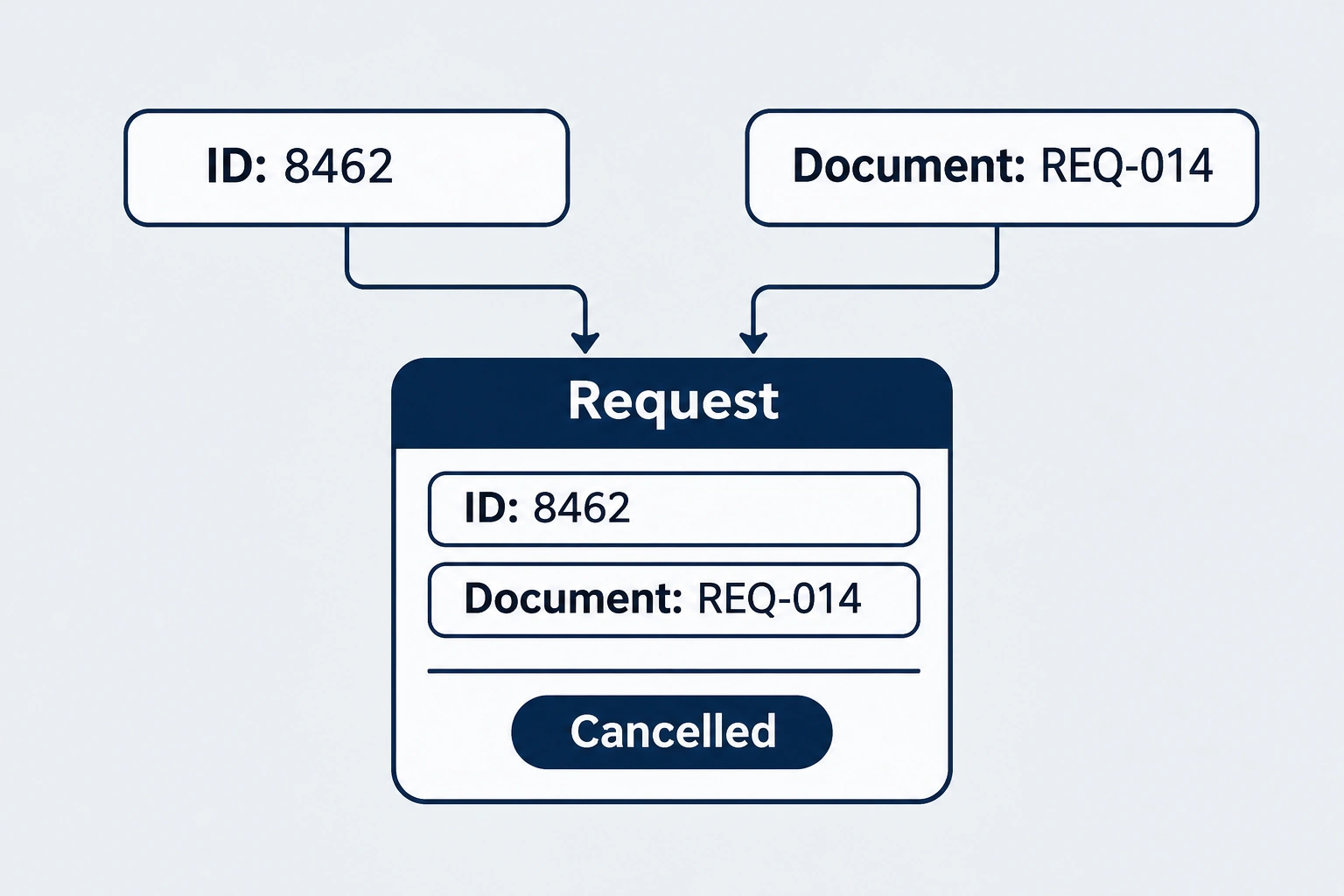
In the example, a request has ID 8462, document number REQ-014 and a cancelled status. The cancellation record explains what happened to that request. Removing its history and reusing the reference for unrelated work can make earlier conversations and documents point to a different item.
Define the reason, time and person responsible for a status change according to the process. If a replacement document exists, connect it to the preceding reference. Staff can then follow the work’s history without reconstructing it from an apparently tidy sequence of numbers.
Define uniqueness across branches and periods
The number 014 might be unique within one document type without being unique across the organization. Two branches may have separate series. A reporting period may also form part of the format. State the uniqueness boundary so search, export and communication do not depend only on a short numeric fragment.
Imagine a message asking someone to open “number 014” while two branches have that reference. The application needs branch context or the complete document number to avoid ambiguity. Consider its appearance in printouts, notifications and search results, not only in the form where it was created.
If numbers include a year, define the year-change rule. Do not alter a final document’s date or branch without understanding the effect on its business identity. Discuss corrections with the process owner and preserve decisions that affect how an existing document is referenced.
Test retries and concurrent work
Double clicks, a lost network response and two near-simultaneous submissions deserve explicit scenarios. The same request should not receive two business numbers merely because its first response was lost. Equally, two separate tasks should not be merged simply because they were submitted close together.
Connect this discussion with preventing duplicate save actions. When preparing a Creatyf app brief, bring example documents, the numbering rules used by staff and real cancellation cases. Technical identity and business references can then be designed as connected requirements that remain understandable and traceable.
Official sources
Build
Continue with related guides.

Preparing a Business Website Project
A practical guide to aligning goals, users, content, ownership, scope, and operational readiness before a business website project begins.

Websites, Web Apps, or Mobile Apps
A decision framework for choosing a website, web app, or mobile app based on user tasks, device capabilities, data, distribution, and operating cost.

From Business Goal to an Actionable Digital Brief
How to connect a business problem, user needs, scope, constraints, evidence, and project decisions in one actionable brief.